


It's not laziness. It's overwhelm.
A deadline sits there all day, and you still can't start. You know the task matters. You might even know the first few steps. But instead of opening the document, replying to the email, or making the call, you clean the kitchen, reorganize your notes, or scroll until the stress gets louder. Then the guilt arrives, followed by panic, followed by even more avoidance.
That cycle is common, especially when procrastination is tied to anxiety. The brain treats the task like a threat, so avoidance starts to feel like relief. The problem is that relief never lasts. If that pattern has left you exhausted, the goal isn't to bully yourself into better habits. It's to use support that makes starting feel safer and smaller.
That's where the right apps for procrastinators can help. Some reduce friction. Some block escape routes. Some create accountability. Some help you see that the issue isn't poor discipline at all. It's stress, fear, decision fatigue, or overthinking. If burnout is already part of the picture, it also helps to understand how to prevent burnout at work, because chronic overload often sits underneath chronic delay.
Many focus apps still trace back to the Pomodoro method, created in the late 1980s by Francesco Cirillo, with work intervals traditionally set at 25 minutes followed by short breaks. That structure still shapes products like Pomofocus, Session, and TickTick, while the wider category now also includes blockers, virtual coworking, and CBT-oriented tools, as noted in Flown's roundup of anti-procrastination apps.
Table of Contents
- 1. Focusmate
- 2. RescueTime
- 3. Freedom
- 4. Cold Turkey Blocker
- 5. Forest
- 6. Beeminder
- 7. Habitica
- 8. Todoist
- 9. Sunsama
- 10. Opal
- Top 10 Procrastination Apps Comparison
- Your First Step Toward a Panic-Free, Productive Life
1. Focusmate
Some procrastination vanishes the moment another person is in the room. That's the appeal of Focusmate. You book a live virtual coworking session, briefly say what you're going to do, then work alongside a partner in silence.
For anxious procrastinators, that can be more than accountability. It can calm the part of the brain that spirals alone. If you freeze because tasks feel huge or emotionally loaded, the social container helps you start before your thoughts build momentum.
Best for anxious avoidance that eases when someone else is present
Focusmate offers session lengths of 25, 50, and 75 minutes, plus on-demand and scheduled sessions, optional repeat partners, and a global community that makes time-zone matching practical. It works well when your problem isn't planning. It's getting over the emotional hump of beginning.
Practical rule: Use Focusmate for the first step only. Don't book a session to “finish the whole project.” Book it to open the file, outline the draft, or send the first message.
A few trade-offs matter.
- Strongest advantage: The show-up effect is immediate. You don't need a complicated system first.
- Main limitation: Camera and microphone can feel uncomfortable if social anxiety is part of your pattern.
- Where it struggles: Confidential work, private therapy notes, or anything sensitive in a shared environment.
If your avoidance is fueled by spiraling thoughts before you begin, pair Focusmate with a quick reset on how to stop overthinking and worrying. That combination works well because one tool settles the mind while the other creates structure.
2. RescueTime
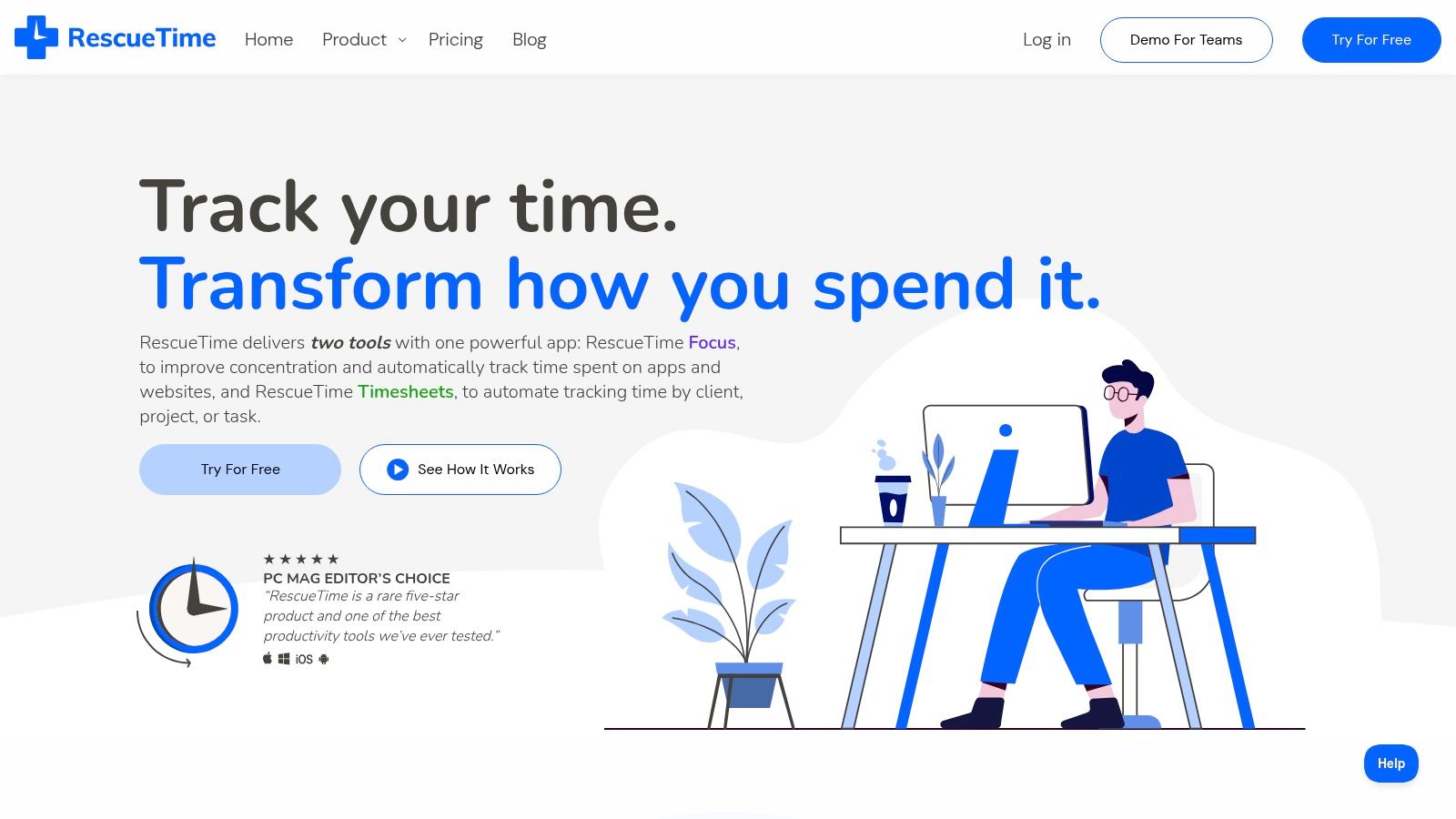
RescueTime helps when your day disappears in fragments and you're not even sure where it went. RescueTime runs in the background, tracks activity across desktop and mobile, and turns that into reports you can use. It also includes Focus Sessions, which combine awareness with a more active “stay on task” mode.
Some procrastination is deliberate, but a lot of it is foggy. This manifests when you click one tab, then another, then an email, then a message, and suddenly the task that mattered never got real attention.
Best for people who keep losing time without noticing
A university wellbeing roundup highlighted RescueTime as part of a broader shift toward hybrid tools that go beyond simple blocking. It specifically noted that RescueTime combines passive time tracking with Focus Sessions, which fits the growing view that procrastination can be emotional and behavioral, not just technical, as discussed in this Flinders wellbeing roundup.
That's why RescueTime is especially useful for people who say, “I was busy all day, but I still didn't do the thing.”
Sometimes the most helpful insight isn't “I need more discipline.” It's “I keep switching tasks when I start feeling tension.”
A few practical notes:
- Best use case: Knowledge work on desktop, where passive tracking captures your real patterns.
- Big win: You don't have to remember to start a timer.
- Real drawback: Categories usually need some tuning before the reports feel accurate.
If you want to pair time awareness with emotional support, the anxiety self-help guides are a good companion. They help when procrastination isn't just a time issue, but a nervous system issue.
3. Freedom
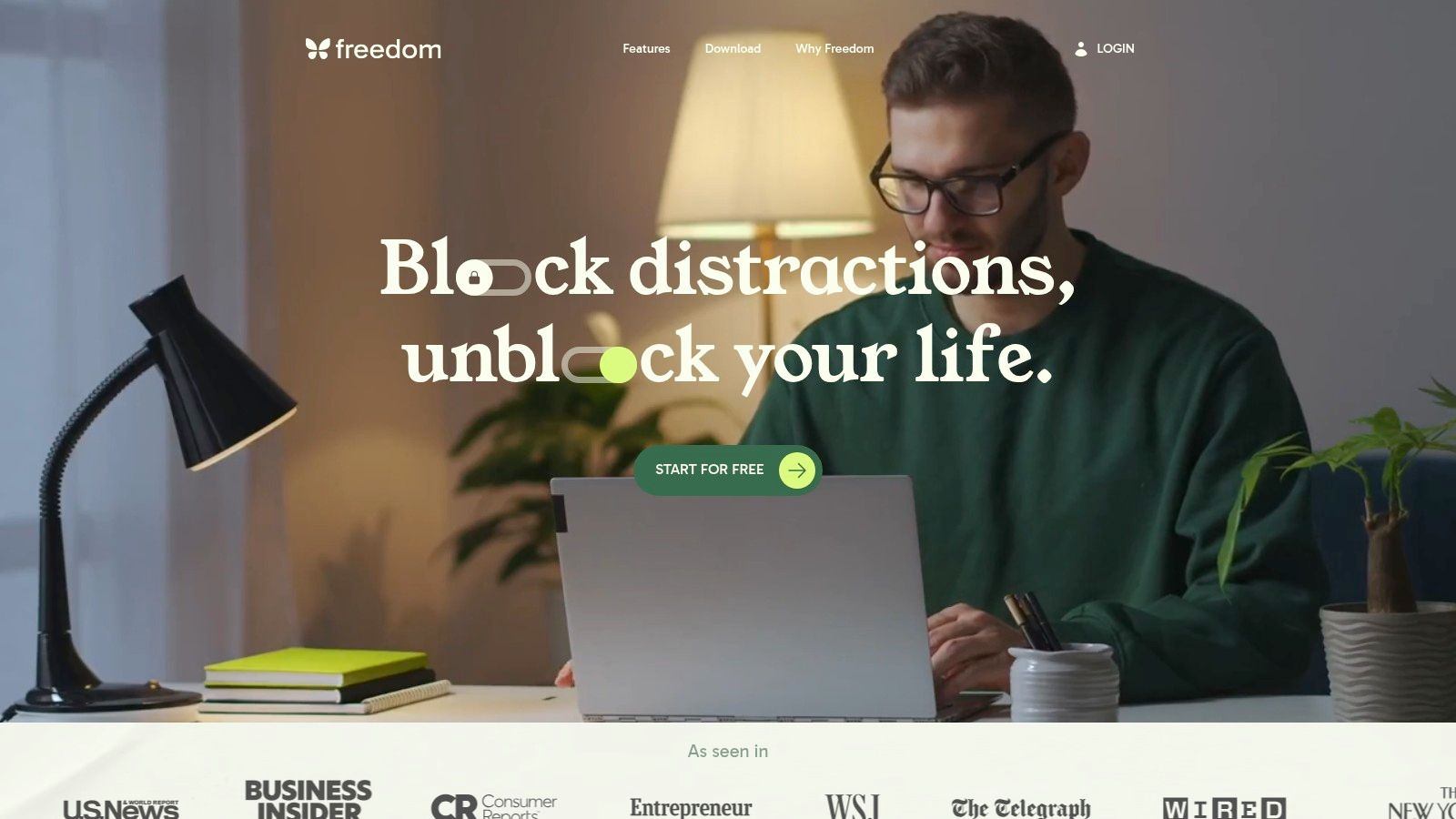
Freedom is for the kind of procrastination that starts with one “harmless” check. You open social media for a minute, scan headlines, answer a text, and the original task starts to feel more distant and more threatening. Freedom cuts that chain earlier.
It blocks websites and apps across major platforms, supports recurring schedules, and includes a Locked Mode that makes quitting a session harder. If your distractions travel with you from laptop to phone to tablet, that cross-device setup is the main reason to use it.
Best for stopping the quick check that becomes an hour
The anti-procrastination category has grown far beyond timers. One market estimate breaks demand into task management, website and app blocking, and gamification and rewards, with competitive pressure described as high and players such as Freedom and Todoist called out in the space, according to this anti-procrastination app market estimate. That lines up with what many users learn quickly. Blocking isn't the whole answer, but it is one part of the toolkit.
Freedom works best for habit loops, not deep emotional resistance. If you're avoiding a task because you fear doing it badly, a blocker may stop the scrolling without solving the fear. Still, if distractions are your most predictable escape hatch, it's effective.
- Use it when: You already know your top distraction sites and apps.
- Skip it when: Your work requires frequent exceptions or context switching.
- Set it up well: Build separate blocklists for shallow work, deep work, and evenings.
The biggest mistake is making the blocklist too broad too fast. Start with the apps you reflexively open when stress spikes.
4. Cold Turkey Blocker
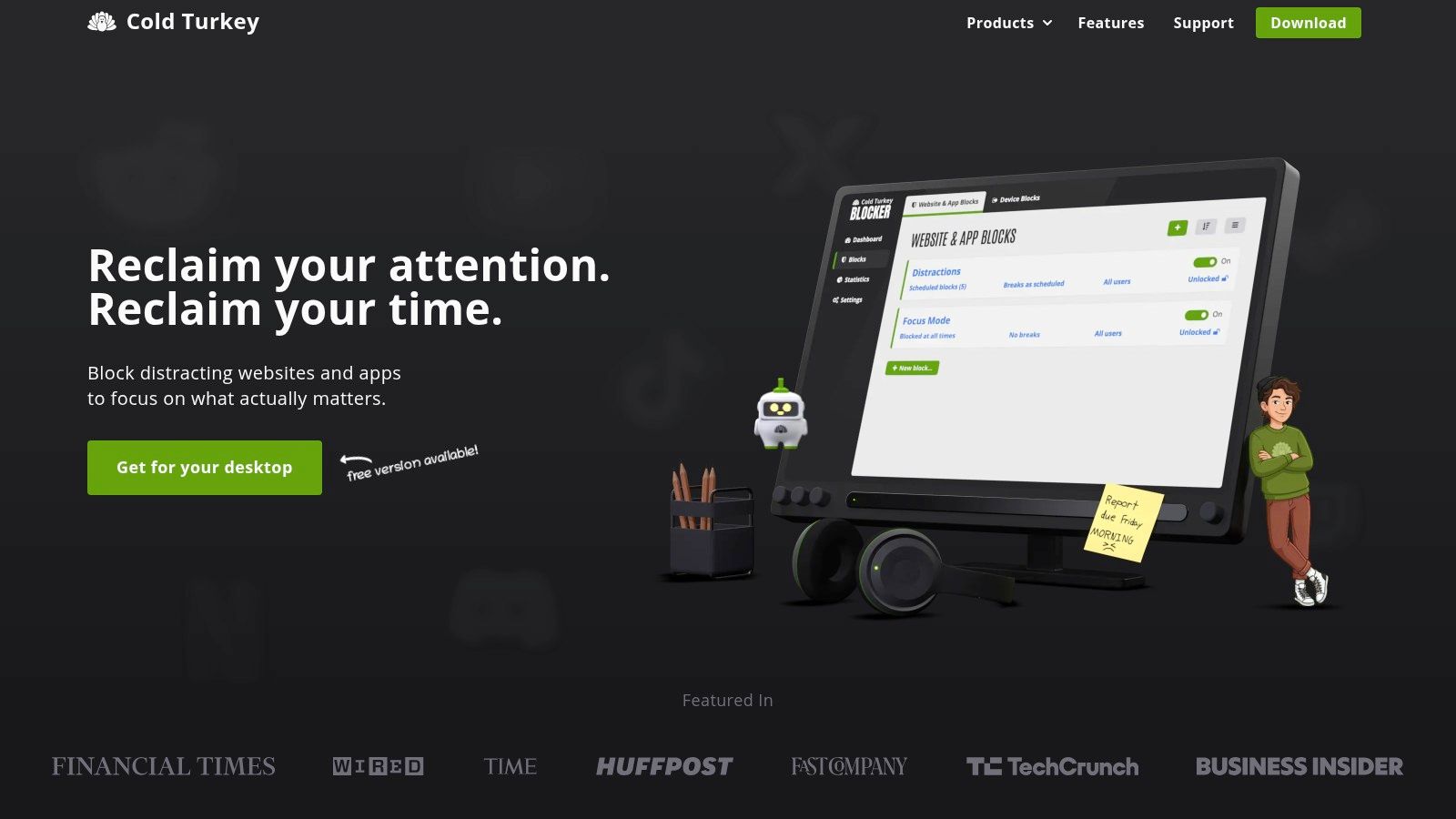
Cold Turkey Blocker is stricter than Freedom, and that's exactly why some people need it. Cold Turkey Blocker is built for moments when you already know you'll negotiate with yourself, disable the gentler app, and wander off anyway.
Its desktop focus is a limitation for some people. For others, it's enough, because their worst procrastination lives in the browser while they're supposed to be working.
Best for people who need stronger walls than willpower can provide
Cold Turkey can block websites, apps, and even create more extreme lockout modes. That makes it useful for high-stakes work blocks, deadline days, and situations where softer nudges no longer work. If you've ever broken your own rules five minutes after setting them, this kind of rigidity can be a relief.
The trade-off is emotional. Strict blockers can feel harsh when you're already stressed. If procrastination is your nervous system trying to escape pressure, stronger force sometimes helps and sometimes backfires.
Use with care: If you panic when trapped, don't start with the strictest settings. Test shorter blocks first so the tool feels containing, not punishing.
Cold Turkey is one of the better apps for procrastinators who want fewer choices during a work block. But it's not a healing tool by itself. It removes escape routes. You still need a way to regulate the anxiety that made those escape routes feel necessary.
5. Forest
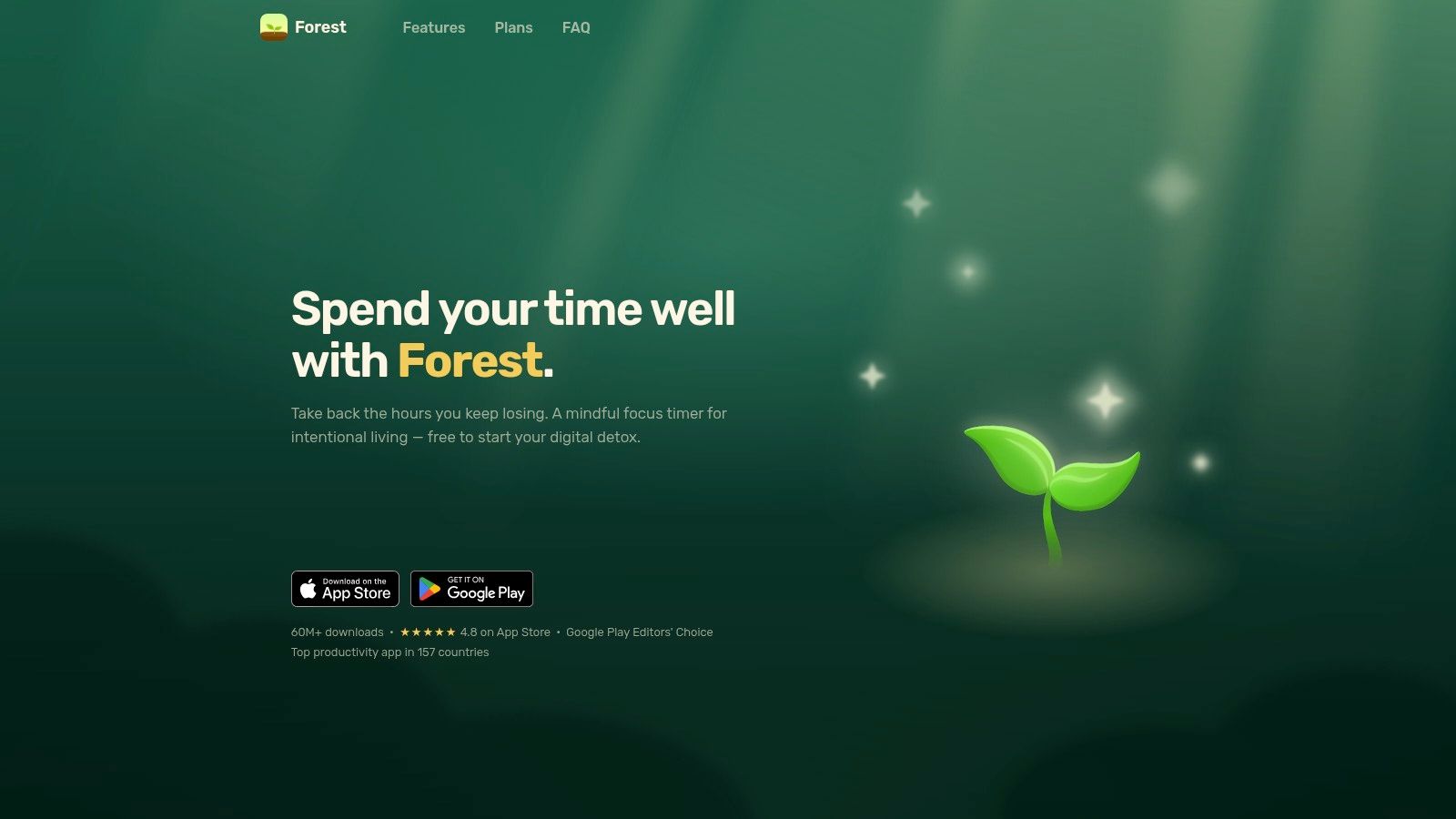
Forest takes a lighter approach. You start a session, plant a virtual tree, and keep it growing by staying off your phone. Leave the app too often, and the session fails. It's simple, visual, and less confrontational than a hard blocker. You can try it at Forest.
That difference matters. Some people do better with encouragement than enforcement. If shame already follows you around all day, Forest can make focus feel a little more playful.
Best for gentle focus and positive reinforcement
Forest is especially good for short study blocks, reading sessions, writing warmups, and reducing impulsive phone checking. The group focus option also helps if you like shared momentum without the live presence of virtual coworking.
Its weakness is depth. If your procrastination has more to do with dread than distraction, the game layer won't reach the root issue on its own. And if gamification stops feeling fresh, motivation can drop.
A simple way to use Forest well:
- Pick one small target: Read two pages, answer one email, or draft one paragraph.
- Keep sessions modest: The app is stronger for building rhythm than for heroic marathons.
- Treat the streak as a cue, not a judgment: Missing a day doesn't mean the method failed.
Forest works well for rebuilding trust with yourself. That's often the first step before tackling heavier tools.
6. Beeminder
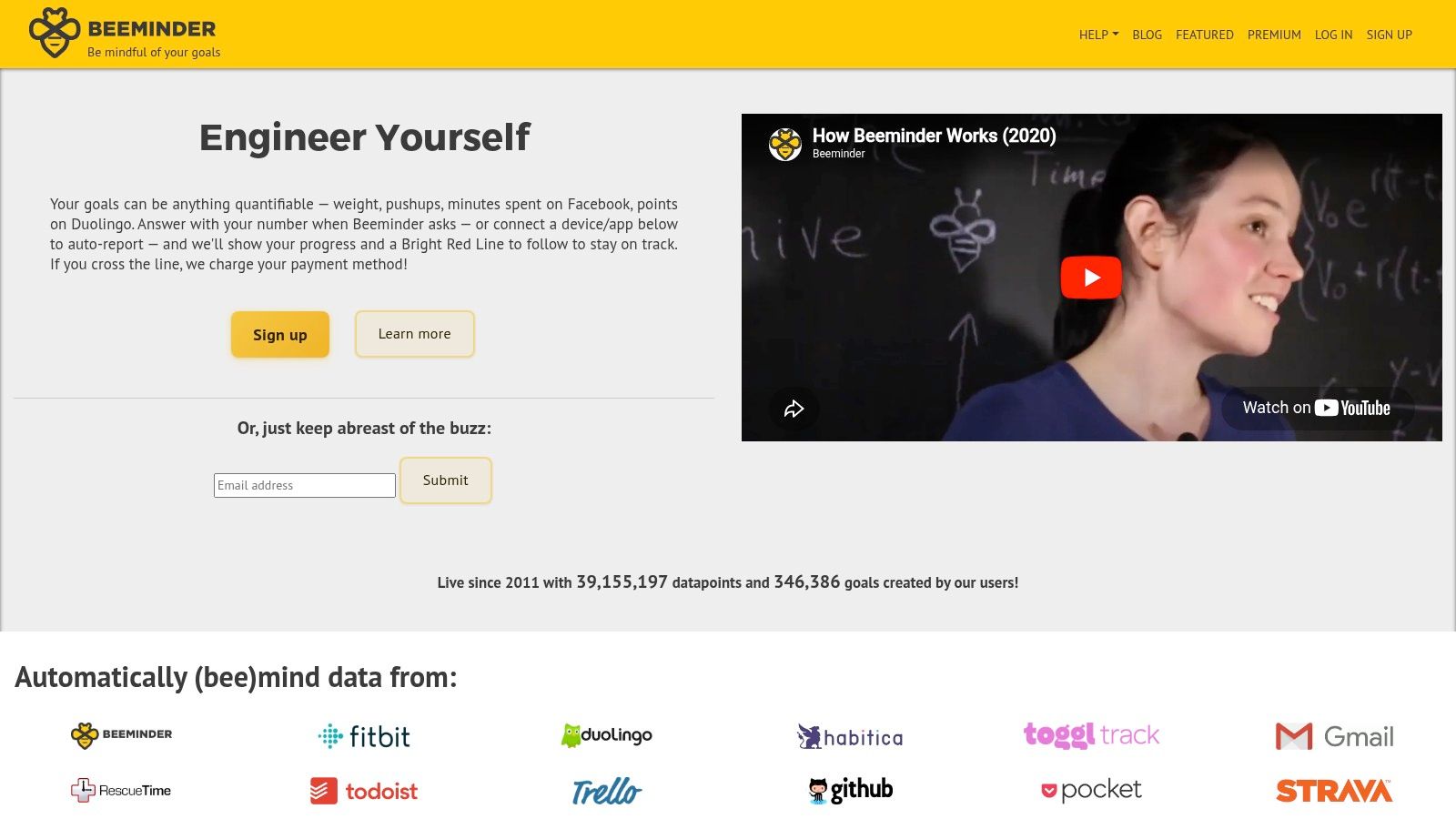
Beeminder is not gentle. Beeminder lets you set measurable goals, track them on a graph, and commit to a financial consequence if you derail. If your procrastination responds to real stakes, this can be powerful.
If your anxiety spikes around punishment, it can also be too much. That's the key trade-off. Beeminder helps some people follow through because the cost of delay becomes immediate. For others, that same pressure becomes another source of dread.
Best for measurable goals and serious accountability
Beeminder works best when the task can be quantified. Words written. Minutes studied. Pages reviewed. Outreach sent. It's much harder to use for vague goals like “work on project” unless you create a clear proxy.
This is not the app I'd recommend first for panic-prone procrastinators. But it can be excellent once you've already built some emotional regulation and know that external consequences motivate you more than they flood you.
If fear is already running the show, don't stack more fear on top without support.
If you notice that your avoidance is tied to panic about panic itself, read how to overcome fear of fear before turning accountability into financial pressure. Used carefully, Beeminder can create traction. Used too early, it can make work feel even less safe.
7. Habitica
Habitica turns your tasks into a role-playing game. You create habits, dailies, and to-dos, earn rewards for completion, and can join parties or quests for social accountability. That setup sounds whimsical, but for the right person it cuts through numbness fast.
Habitica is especially useful when normal task lists feel dead on arrival. If you need novelty, progress bars, and a sense of adventure to stay engaged, it offers that in a way most minimalist tools don't.
Best for people who need motivation to feel playful
The app's strength is emotional re-engagement. It gives tasks a little texture. Instead of “do laundry,” you're protecting a streak, helping a team, or moving a character forward. That can be enough to get you moving when plain productivity systems trigger resistance.
The downside is obvious. Some people find the layers distracting or childish. Others love them for a month and then stop caring.
A good fit usually looks like this:
- You like games: Rewards and quests feel energizing, not silly.
- You need community: Shared challenges reduce isolation.
- You want mood lift: A playful system softens the harshness of task management.
If your procrastination is tangled up with self-criticism or hidden emotional patterns, reflective work can help alongside Habitica. Shadow work for anxiety is useful when the task list keeps triggering feelings that seem bigger than the task itself.
8. Todoist
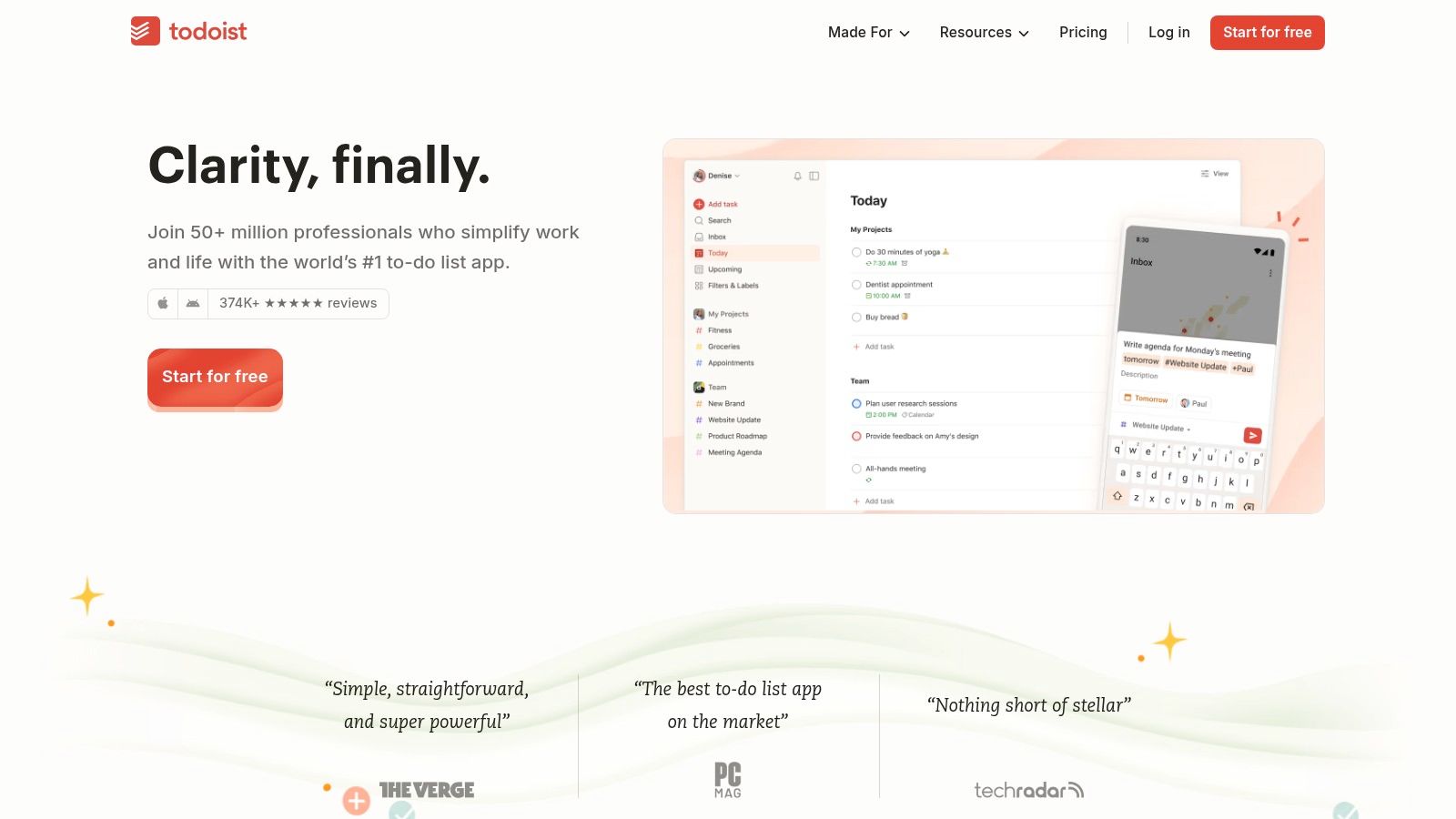
Todoist is the cleanest choice here for people whose procrastination comes from mental clutter. Todoist makes it easy to capture tasks quickly, set recurring dates, organize by sections and labels, and keep everything synced across devices.
That sounds basic until you remember how many people procrastinate because the task is still shapeless. “Prepare taxes” is terrifying. “Find last year's return” is doable.
Best for turning dread into the next visible action
A market projection puts the global anti-procrastination app market at USD 1,281.2 million growing to USD 3,500 million by 2035, implying a 10.6% CAGR over 2026 to 2035, with North America and Europe expected to dominate downloads and subscriptions. Product categories keep expanding, but task organization remains central because many people don't need more motivation first. They need a smaller next step.
That's where Todoist shines. Quick capture reduces friction. Recurring tasks reduce memory load. Filters help you create calmer views, like “today only” or “next three tiny tasks.”
Smallest step wins: If a task still feels heavy inside Todoist, it's still too big.
Todoist pairs well with broader mental health tools for anxiety. One system tells you what to do next. The other helps you stay calm enough to do it.
9. Sunsama
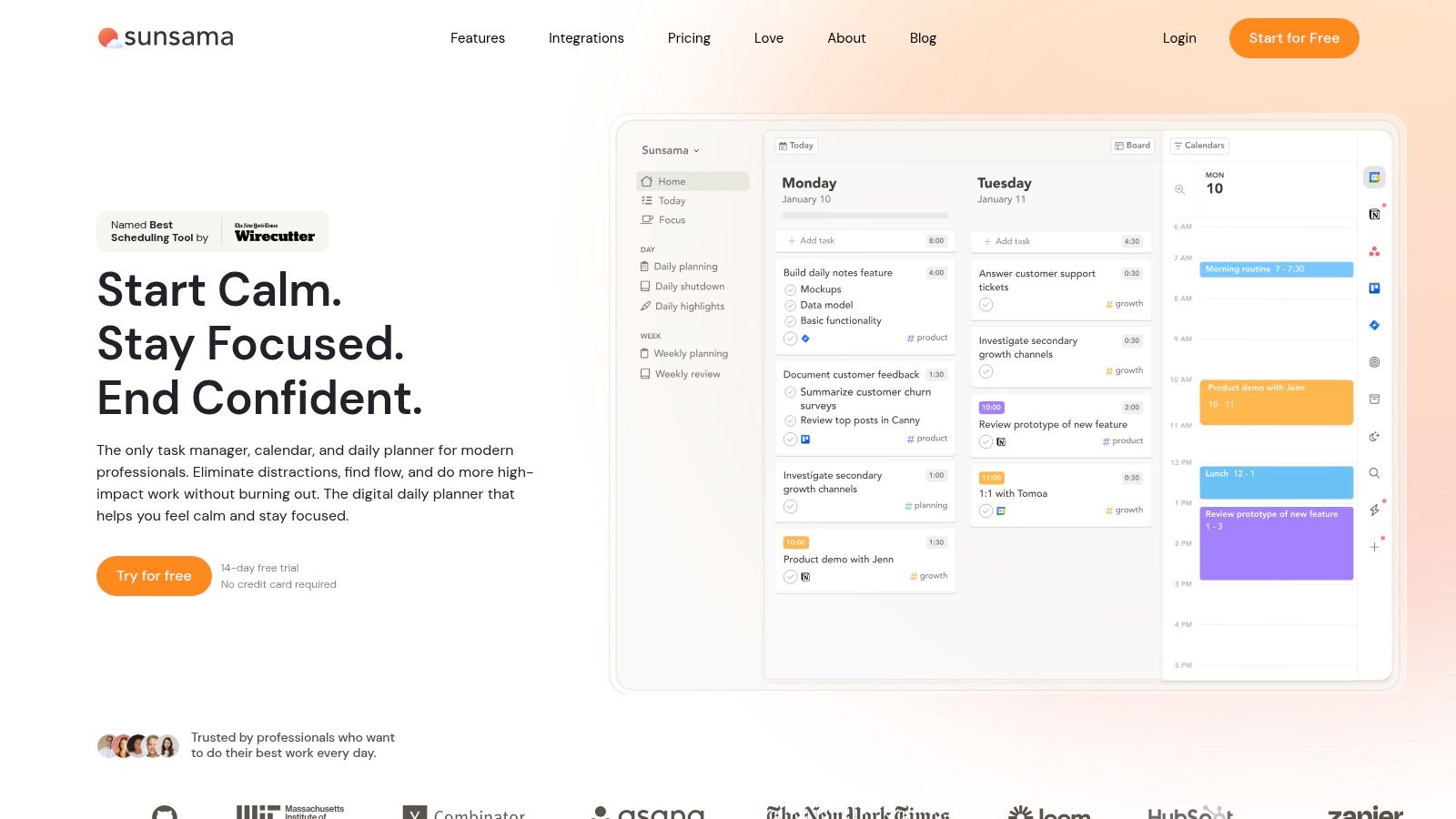
Sunsama is one of the best apps for procrastinators whose main problem is overload. Not distraction. Not lack of desire. Too many inputs, too many tabs open mentally, and no clear sense of what today can realistically hold. You can explore it at Sunsama.
Its daily planning ritual asks you to pull tasks in, time-box them on your calendar, and close the day with intention. That sounds simple, but it's one of the better antidotes to decision fatigue.
Best for overwhelm caused by too many inputs and unclear priorities
Sunsama works well for knowledge workers juggling email, meetings, project tools, and personal tasks. It gives the day edges. When anxiety makes everything feel equally urgent, that structure can calm the nervous system because the plan becomes visible and finite.
What it does not do well is casual use. If you won't engage with a calendar or a daily planning habit, the app can feel like one more system to maintain. It also sits at a more premium end than simpler task tools.
Three places it stands out:
- Morning planning: Helpful when you wake up already behind.
- Time-boxing: Good for people who underestimate how long tasks take.
- Shutdown ritual: Useful if unfinished work keeps following you into the evening.
Sunsama doesn't just ask, “What should you do?” It asks, “What can you hold today without tipping into panic?” That's a much healthier question.
10. Opal
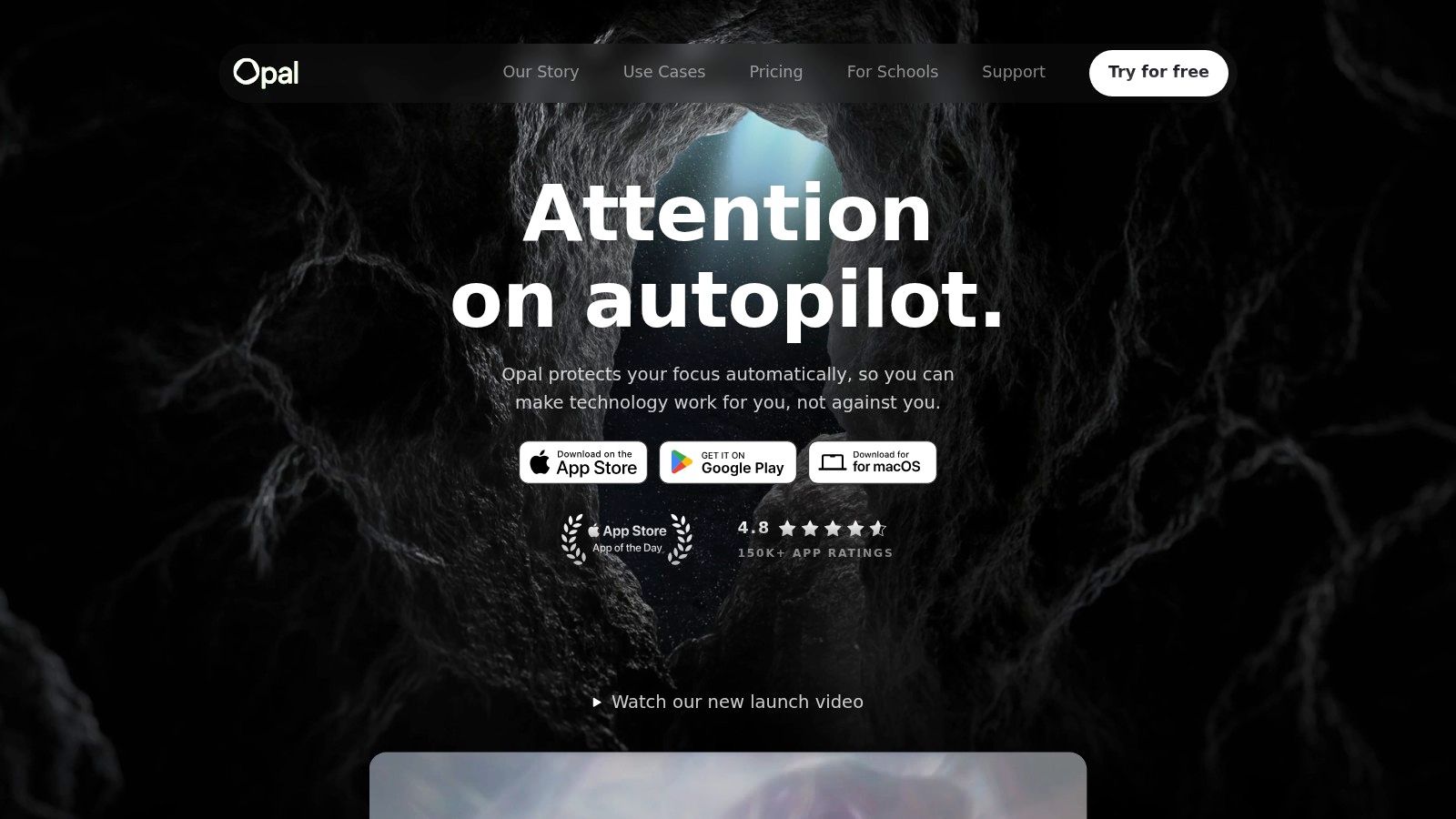
If your procrastination mostly happens on an iPhone, iPad, or Mac, Opal is worth a close look. Opal uses Apple's ecosystem well, with sessions, time limits, schedules, analytics, and stronger anti-bypass modes for people who keep breaking their own app limits.
This is the blocker for people who don't need a broad life system. They need their phone to stop inviting escape every few minutes.
Best for Apple users who procrastinate mainly on their phone
Opal feels polished and routine-friendly. You can set recurring blocks around work hours, bedtime, or study windows, which is helpful if your procrastination follows predictable patterns. The analytics also help you notice whether you're dealing with occasional distraction or a deeper habit loop.
Its limitations are straightforward. It's primarily for Apple users, and some people won't feel the subscription is worth it unless they use it consistently. Also, no blocker solves the emotional side by itself.
If your phone is your main avoidance channel, though, Opal can create enough friction to interrupt the reflex. That interruption matters. It gives you a small pause where you can choose something else. Often, that's all a stressed brain needs to take the next right step.
Top 10 Procrastination Apps Comparison
| Tool | ✨ Core Features | ★ UX Rating | 💰 Price / Value | 👥 Best for | 🏆 Standout |
|---|---|---|---|---|---|
| Focusmate | ✨ Live 1:1 coworking; 25/50/75‑min sessions; scheduling | ★★★★ | 💰 Free tier + Pro; high ROI for accountability | 👥 People needing social commitment/body‑doubling | 🏆 Real‑time social accountability "show up" effect |
| RescueTime | ✨ Automatic time tracking; Focus Sessions; reports/goals | ★★★★ | 💰 Free + Premium; great for awareness & habits | 👥 Users who lose time unknowingly | 🏆 Frictionless automatic insights & reporting |
| Freedom | ✨ Cross‑device blocker; Locked Mode; schedules | ★★★★ | 💰 Subscription; good multi‑device value | 👥 Habitual quick‑check interrupters | 🏆 Broad platform coverage + Locked Mode |
| Cold Turkey Blocker | ✨ Timed blocks; Frozen Turkey; app/website whitelists | ★★★ | 💰 One‑time license or paid tiers; cost‑effective for desktop | 👥 Users needing maximal friction/commitment | 🏆 Very hard‑to‑bypass full lockouts |
| Forest | ✨ Gamified focus timer; Deep Focus; Plant Together | ★★★★ | 💰 Low‑cost app; optional tree‑planting donations | 👥 Students & gamified‑motivation users | 🏆 Visual/rewarding habit formation + real‑tree impact |
| Beeminder | ✨ Commitment contracts; integrations; pay‑on‑derail | ★★★ | 💰 Subscription + pledge model; monetary stakes | 👥 People who respond to financial consequences | 🏆 Behavioral‑economics accountability via real money |
| Habitica | ✨ RPG‑style tasks, parties, quests & rewards | ★★★ | 💰 Free + optional paid perks; strong community value | 👥 Gamers, younger users & those who like gamification | 🏆 RPG mechanics turn chores into motivating play |
| Todoist | ✨ Quick Add, natural‑language dates, cross‑platform sync | ★★★★ | 💰 Free + Premium; scalable value for many users | 👥 Anyone needing fast capture to reduce start friction | 🏆 Fast capture + reliable syncing & integrations |
| Sunsama | ✨ Daily unload/plan ritual; time‑boxing; calendar sync | ★★★★ | 💰 Paid subscription; high ROI for planners | 👥 Knowledge workers facing overwhelm | 🏆 Guided daily planning + end‑of‑day reflection |
| Opal | ✨ iOS/Mac Screen Time API, Focus Reports, hardcore modes | ★★★★ | 💰 Subscription; strong on Apple devices | 👥 iPhone/iPad/Mac users wanting strict blocks | 🏆 Deep Screen Time integration + analytics |
Your First Step Toward a Panic-Free, Productive Life
An app won't cure procrastination by itself. That's the honest answer. If you've been delaying tasks because your body tightens, your thoughts race, or beginning feels strangely unsafe, the app is not the healing. It's the support structure around the healing.
That's why the best choice depends on your pattern, not on what looks most productive online. If you avoid work because you feel alone with it, Focusmate can help. If you lose time without realizing it, RescueTime can make the pattern visible. If your phone is the trapdoor, Freedom or Opal can close it. If your mind goes blank from overload, Todoist or Sunsama can turn chaos into a manageable next step.
Be careful with tools that rely on force if fear is already high. Hard blockers and financial consequences can work, but they aren't automatically better. For some people, they create useful structure. For others, they increase pressure and deepen shutdown. What works is the tool that reduces resistance enough for you to begin, then helps you repeat that safely.
This matters because procrastination often isn't a self-control problem at all. Independent coverage still leans heavily toward blockers and Pomodoro-style execution, but newer tools increasingly mix focus support with wellbeing features, reflecting a wider recognition that stress and emotional dysregulation are often part of the problem. That's one reason this category keeps expanding, and why the market projections and product mix point to a mature software space rather than a niche timer utility, as noted earlier.
Start smaller than you think you need to.
Pick one app from this list. Match it to the reason you procrastinate most often. Then choose one tiny task that feels almost too easy. Open the doc. Write the subject line. Put the laundry in the machine. Read one page. You're not trying to become a flawless productivity machine. You're teaching your mind and body that beginning is survivable.
That's where hope lives. Not in a perfect streak. Not in a dramatic overhaul. In one calm start, then another, then another.
If you want support for the anxiety underneath procrastination, try The Anxiety Checklist. It's built for the moments when your mind blanks, panic rises, or a simple task suddenly feels impossible. The free SOS tools can help you ground quickly, and the app's longer-term support, including guided meditations, CBT tools, sleep audios, and practical education, can help you feel safer in your own mind while you rebuild trust in yourself.